Yubico Japan publishes a guide to registering a YubiKey with ChatGPT
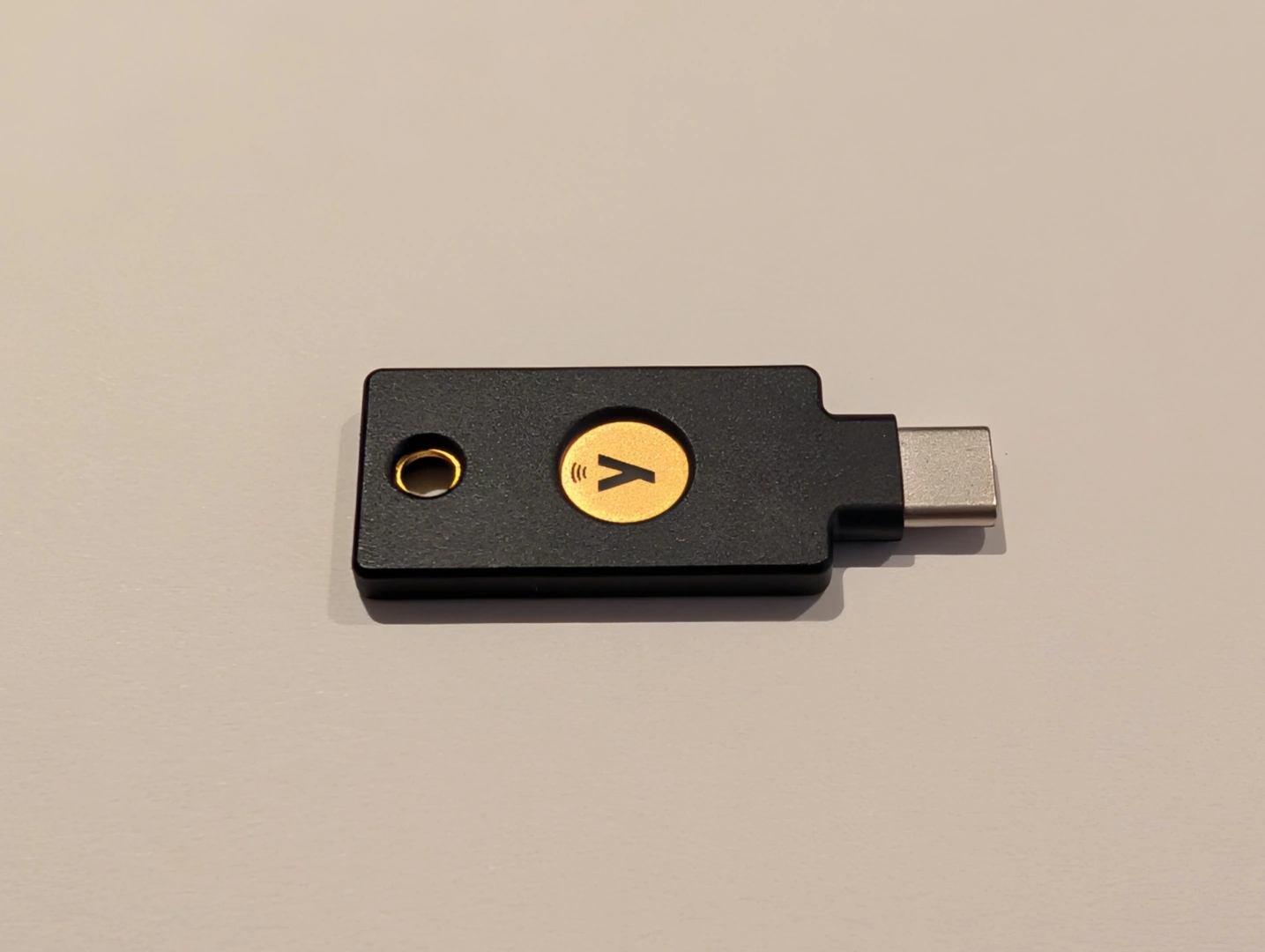
Yubico Japan published instructions on November 10 for registering a YubiKey physical security key with a ChatGPT account. Available authentication methods vary by account, device and other factors. The company recommends registering a spare key and keeping it in a separate place in case the main key is lost.
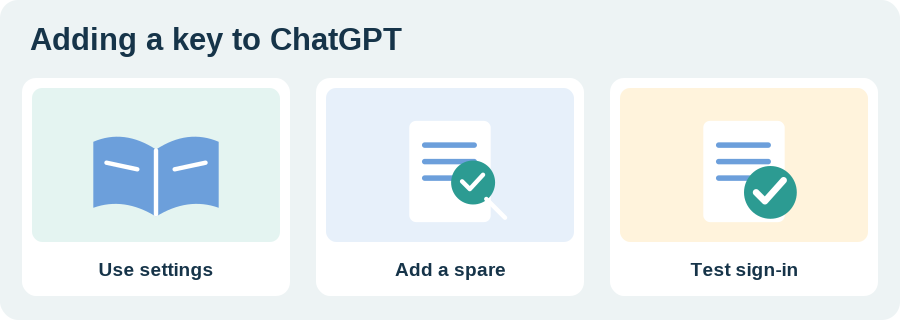
Register a passkey or security key in settings
Yubico Japan’s guide directs users to sign in to ChatGPT in a desktop browser and start registration in the security section of settings. Follow the on-screen prompts and insert a YubiKey that matches the port. Set a PIN if prompted and touch the key to complete registration. The menu and available options may vary, so check the account’s settings. OpenAI says multifactor authentication applies across ChatGPT and its API Platform.
Register a spare key and test it by signing in again
Yubico Japan advises registering both the main key and a spare, signing out and back in, and checking that the key works for authentication. Users who set up Advanced Account Security are advised to keep the recovery key somewhere secure. It can be used if all registered keys are lost.