CachyOS documents a separate boot setup for Easy Anti-Cheat Linux v2

The November 10 guide update adds instructions for eac-setup. The dedicated boot path has firmware requirements, and individual games still control whether they run.
A separate boot entry
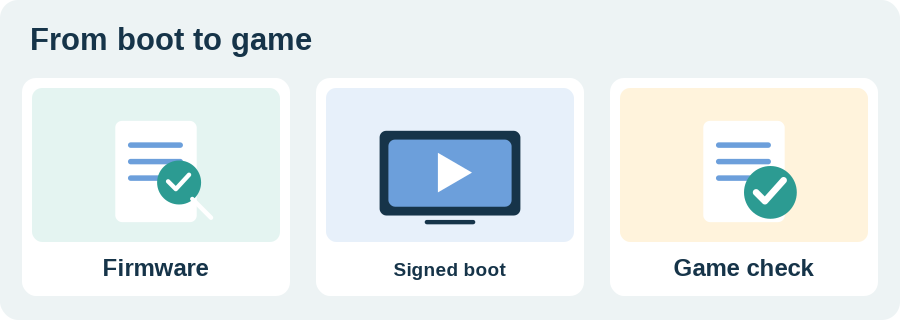
The Arch-based Linux distribution CachyOS added eac-setup instructions to its Easy Anti-Cheat (EAC) Linux v2 guide on November 10. A package change on the same day updated cachyos-settings to 1.4.4-1. The setup adds a separate boot entry for a signed kernel, linux-cachyos-eac, while preserving the normal boot entries. See the official CachyOS logo.
What the PC needs
The guide calls for a UEFI installation with Secure Boot, TPM 2.0 and IOMMU, which controls how devices can access memory. The script supports systemd-boot, Limine and rEFInd. With Limine or rEFInd, the dedicated entry starts the CachyOS-signed systemd-boot. The guide warns that changes to Secure Boot keys can make BitLocker request its recovery key on a dual-boot system. Check that the key is available before changing the setup.
Game support
After starting the dedicated entry, eac-status checks the local setup. Game startup still depends on Easy Anti-Cheat and the game. Epic’s October 14 announcement describes a planned Fortnite pilot. As of November 14, Epic’s published trusted-key list did not name the CachyOS EAC certificate, and its support page still described Fortnite for Linux as forthcoming.
