WAAW explains how to pair and care for wireless earbuds
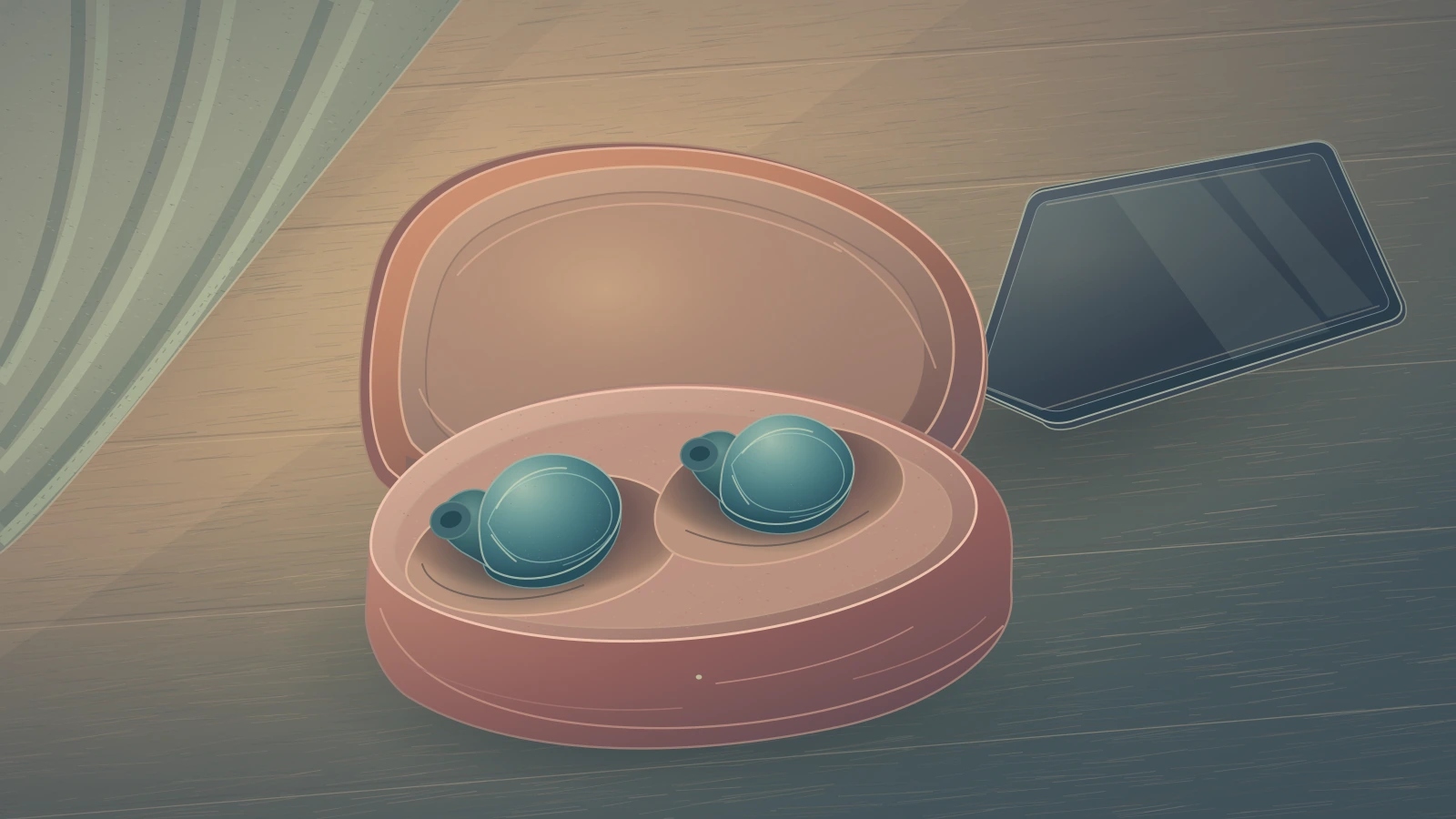
On November 11, Brazilian audio brand WAAW published a guide to charging wireless earbuds for the first time, pairing them over Bluetooth and troubleshooting issues such as interruptions. The company explains how to keep charged earbuds near the device and select their name in the device’s Bluetooth settings.
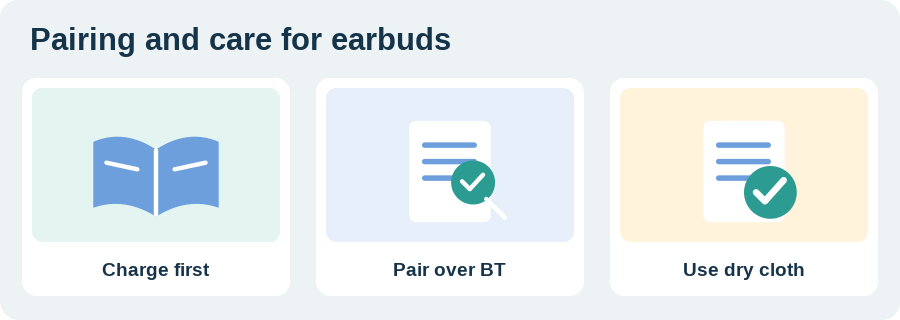
Charge the earbuds before first pairing
The guide recommends charging earbuds in their case, if supplied, and turning on Bluetooth on a phone or other device. Put the earbuds in pairing mode and select their name from the list of available devices. Pairing controls and charging indicator colours vary by model, so refer to the manual for your earbuds.
Move the devices closer and clean charging contacts with a dry cloth
If the sound drops out or crackles, the guide suggests moving the earbuds and device closer together. If only one earbud works, it describes removing the pairing from the device and reconnecting the two sides. If the earbuds will not charge, WAAW recommends cleaning the contacts on the earbuds and case with a dry cloth.