Auto SR launches for handheld play on ROG Xbox Ally X and X20
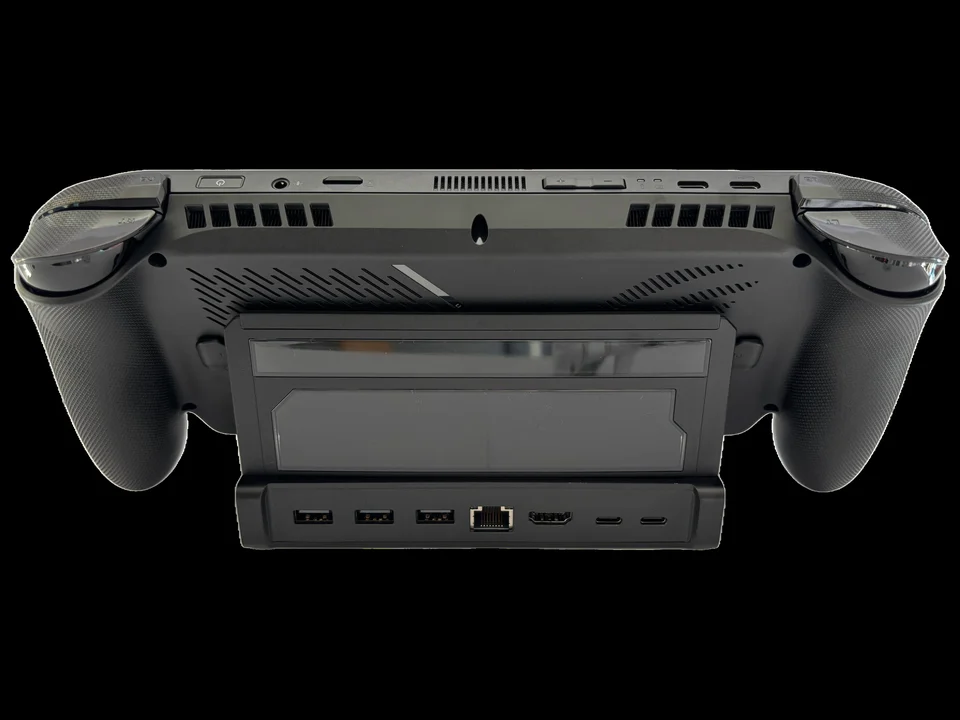
Microsoft brought Automatic Super Resolution (Auto SR) out of preview on the ROG Xbox Ally X and X20 on November 10. It now works on the built-in screen while running on battery, supports 1080p game input, and is available on select Ryzen-powered Copilot+ PCs.
Microsoft DirectX Developer Blog — November 10 launch
What requires a Windows update
Auto SR upscales the image that a supported game renders. Microsoft says Performance Mode, which supports up to 120 frames per second, and compatibility with Auto HDR will arrive in stages through Windows updates. The 120 FPS figure is the mode’s upper limit. Actual frame rates depend on the game and settings.
Where to turn it on
Update Windows 11, Game Bar and the Auto Super Resolution Package from the Microsoft Store. Open the game, then go to Display → Graphics in Game Bar and turn on Auto SR for that game. If it stays inactive, check the resolution and display mode against Microsoft’s requirements.

