deepin 25.3.0 adds freeze protection and external snapshot storage

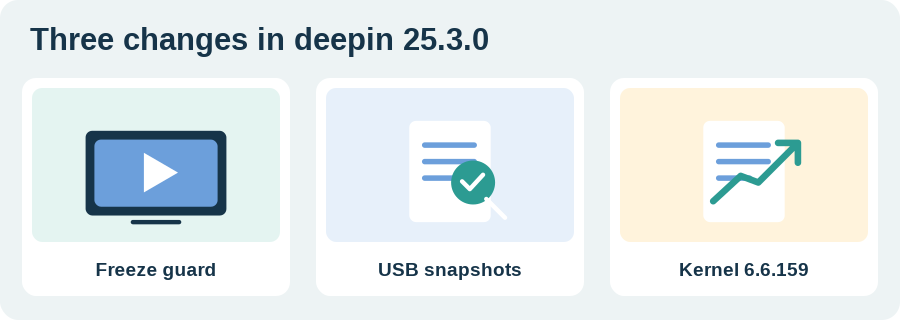
The deepin community released desktop operating system deepin 25.3.0 on 11 November 2026. The update keeps selected desktop tools accessible during severe slowdowns and lets users store system snapshots on external devices.
Access during severe slowdowns
According to the official release notes, the taskbar, launcher and system monitor can still be opened when the system becomes severely unresponsive. Users can then open the system monitor and close the application causing the slowdown.
Snapshot locations and kernel options
When creating a system snapshot, users can choose a local disk, USB drive or portable hard drive. They can also select a snapshot from a specified location for rollback. The default Linux kernel has been updated to 6.6.159. Users who need a newer kernel can install 6.18.56 separately through Kernel Manager.
