Google starts rolling out Gemini Live to Apple CarPlay
Google began a worldwide rollout of Gemini Live on Apple CarPlay on November 11. It applies to iPhone users of the Gemini app in languages supported by Gemini Live. The car display can open a new voice conversation or resume a recent one.
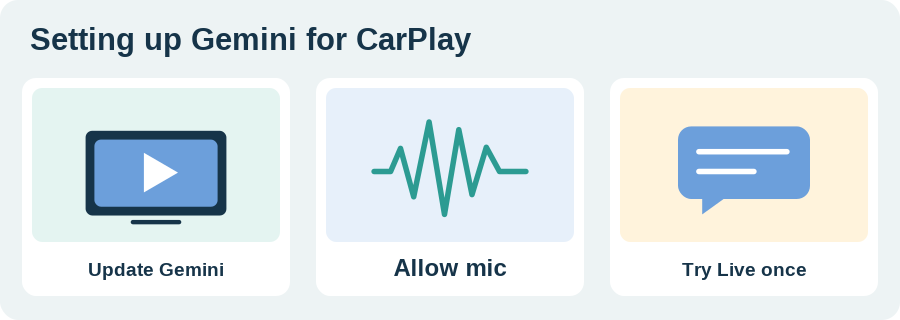
Set it up on the iPhone first
Google lists three steps before opening Gemini in the car. Update the Gemini app on your iPhone, allow microphone access and use Gemini Live on the phone at least once. Then connect your iPhone to CarPlay and tap the Gemini icon on the car display. Google did not specify when the rollout would reach each account.
Email and calendar access depends on linked apps
Google says conversations sync to the iPhone. With Gmail or Google Calendar connected to Gemini, users can ask about emails or appointments by voice. Daily Brief needs to be enabled first. Google says this feature is unavailable to users under 18 or in the European Economic Area or Nigeria.