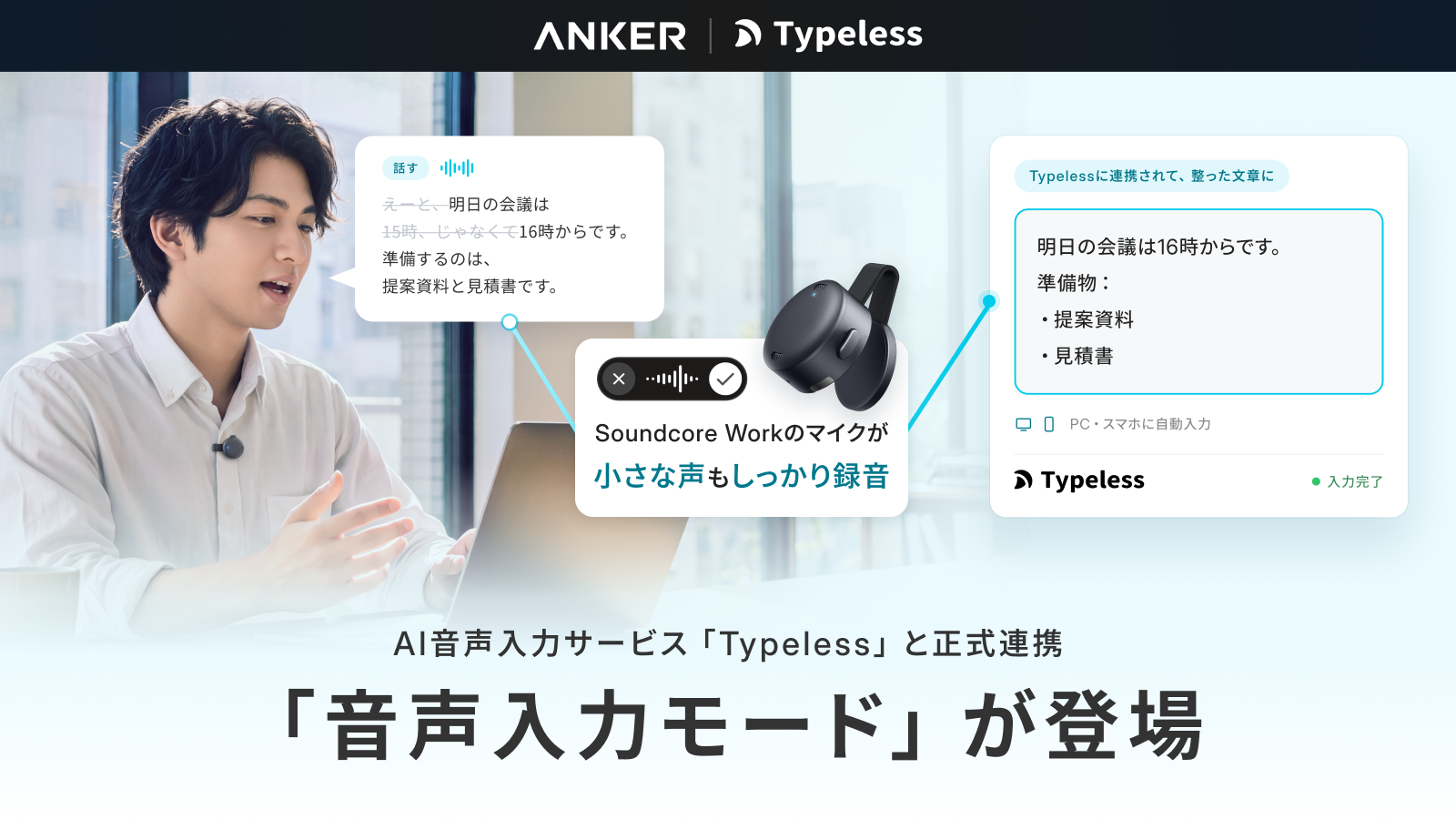
Soundcore Work adds Typeless dictation

Anker Japan released firmware on November 12 that lets Soundcore Work serve as a microphone for Typeless dictation. The business edition, Soundcore Work for Notta, is excluded.
Supported model
On November 12, 2026, Anker Japan released a firmware update that lets users dictate with Typeless through the Soundcore Work AI voice recorder. Alongside its existing meeting recording function, the wearable microphone can capture speech for Typeless to clean up and enter on a computer or smartphone. The business edition, Soundcore Work for Notta, is excluded. View official product photo
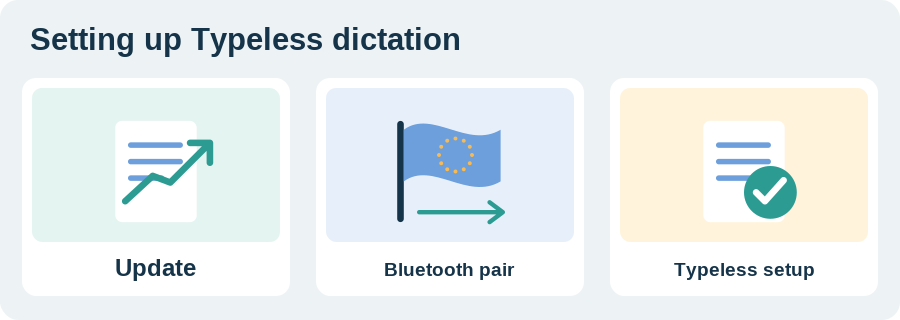
Update the firmware, then connect in both your device and Typeless
First update the recorder's firmware in the Soundcore app. Install Typeless and register an account, pair the recorder in your device's Bluetooth settings, then connect it and complete setup inside Typeless. Typeless provides instructions for macOS, Windows, iOS and Android. According to the Typeless setup guide, after setup on macOS or Windows, a double tap on the front of the recorder starts or stops dictation. Typeless also works with a device's built-in microphone, so the Soundcore Work connection offers a wearable microphone option.