Yubico details YubiKey sign-in on Windows 11 for Microsoft Entra work and school accounts
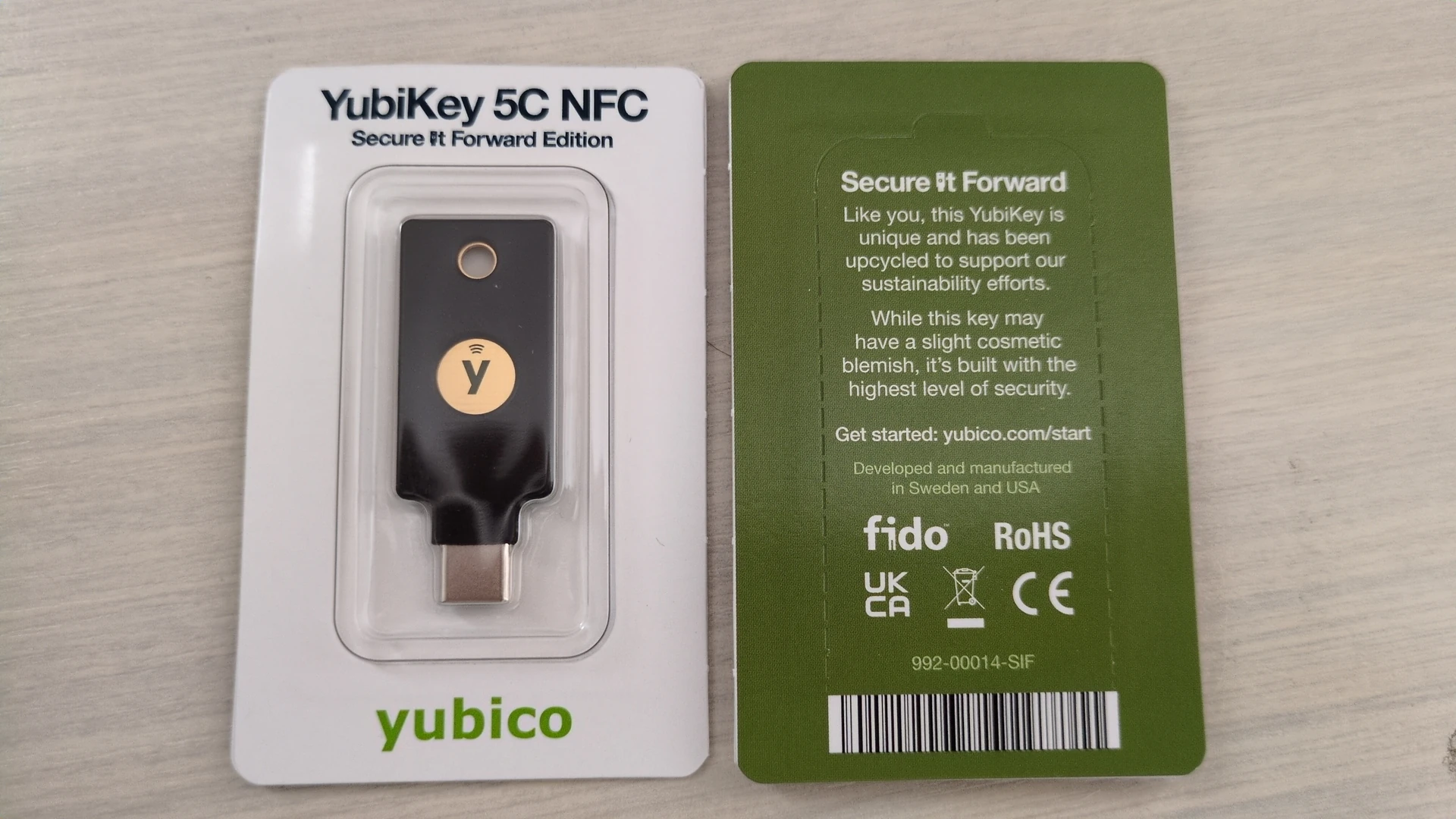
On November 17, Yubico Japan published guidance on passwordless sign-in to Windows 11 with a YubiKey FIDO2 security key. The setup requires a Microsoft Entra ID work or school account and a PC that is either Microsoft Entra joined or hybrid joined with on-premises Active Directory.
The setup depends on how the PC is joined to Microsoft Entra
According to Yubico, Microsoft Entra joined PCs require security key sign-in to be enabled in both Entra ID and Windows. Hybrid joined PCs that also use Active Directory require additional Microsoft Entra Kerberos configuration. The minimum versions are Windows 10 version 1909 for Microsoft Entra joined PCs and Windows 10 version 2004 for hybrid joined PCs. Windows 11 is also supported. PCs joined only to on-premises Active Directory and sign-in to Windows itself with a personal Microsoft account are outside the scope of this feature. Personal accounts can use security keys to sign in to compatible websites and apps.
Administrators enable sign-in, and users register their keys
Administrators enable FIDO2 passkeys in their authentication policy and set the eligible users or groups. Users register the key with their work or school account, enter the key’s PIN on the Windows sign-in screen and touch the key. Yubico also recommends registering a backup key.
Limits in remote environments
According to Yubico, security key sign-in via Remote Desktop (RDP), virtual desktop infrastructure (VDI) or Citrix is supported only with WebAuthn redirection. Signing in to servers and using “Run as different user” are also unsupported.