Yubico Japan explains how to strengthen Linux SSH authentication with a security key
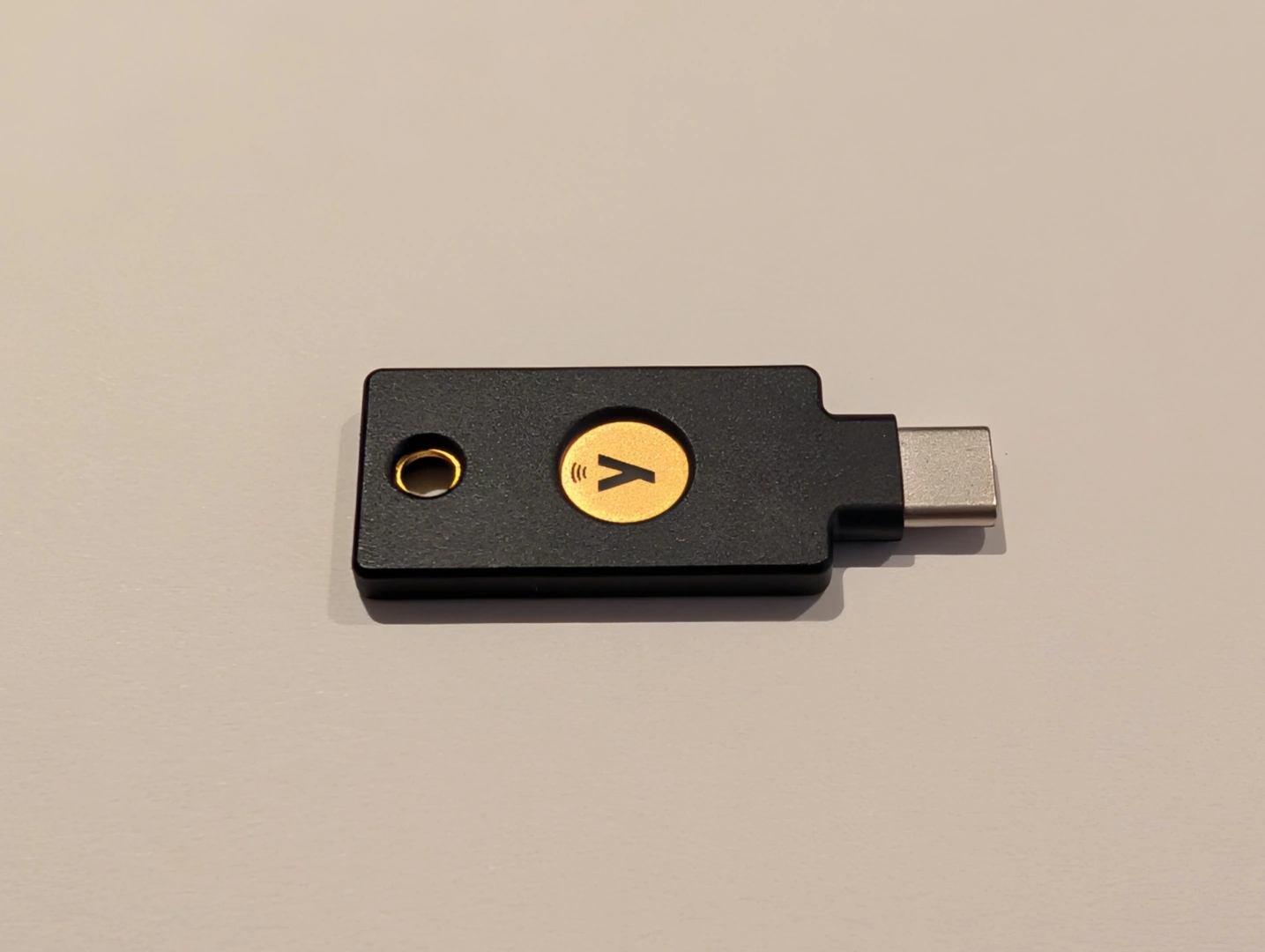
On November 17, Yubico Japan published guidance on using a FIDO2-compatible YubiKey for SSH remote access to Linux servers. OpenSSH 8.2 or later can bind an SSH authentication key to the physical device. The setup can require users to touch the security key when connecting and, where supported, require verification with a PIN.
Binding the private key to the device and requiring a touch
Yubico says the computer stores a reference file for the key on the YubiKey. SSH authentication requires the corresponding physical device. Touching the key confirms a user action. The guide covers Ubuntu, Debian, Fedora and RHEL, among others, and requires OpenSSH 8.2 or later on both the client and the server. According to Yubico, requiring PIN verification needs OpenSSH 8.4 or later.
FIDO2-compatible products and firmware requirements
The guide lists the YubiKey 5, YubiKey Bio and Security Key series as FIDO2-compatible. Ed25519 keys require YubiKey firmware 5.2.3 or later. For older firmware, the guide describes using FIDO2-compatible ECDSA keys. Setting up a key on the device so it can be referenced from another computer also requires firmware 5.2.3 or later and a FIDO2 PIN. Loading the key reference on the other computer requires OpenSSH 8.3 or later.
Check the connection and backup key before changing authentication
Yubico recommends generating a separate authentication key on a backup security key and registering both public keys on the server. If disabling password login, the company advises keeping the current SSH connection open and verifying that the YubiKey works in a separate login session.