OpenAI explains how Codex restricts file and network access for commands

On November 18, OpenAI explained the restrictions its coding tool Codex applies when it runs commands on a user’s device. Users can choose a permission profile to set file read and write permissions and network access to suit the task. Codex uses operating system mechanisms to enforce these restrictions on macOS, Linux and Windows.
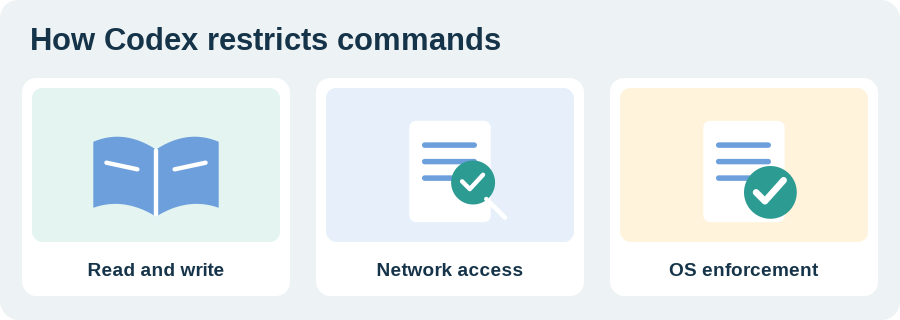
Setting file and network permissions
OpenAI says the built-in workspace profile allows writes within the workspace and keeps some administrative directories read-only. The profile disables network access. Depending on the user’s operating system permissions, Codex can also read development tools and similar resources outside the workspace.
Enforcing restrictions in the user’s working environment
Codex uses mechanisms specific to macOS, Linux and Windows to restrict the processes it runs in the user’s existing environment. OpenAI says the sandbox limits what commands can access and improves safety alongside other measures such as model training.