Google explains how to transfer chat history to Gemini

On November 19, Google reminded users how to import preferences and chat history from another AI assistant into Gemini. Users can paste a summary of their preferences made by the previous AI assistant and import their chat history as a ZIP file through Gemini’s settings.
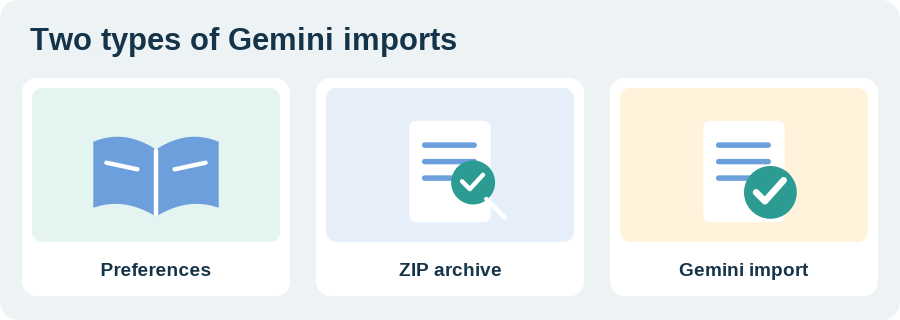
Paste a summary of preferences and background information
Google says users can copy the prompt from Gemini’s import settings and give it to their previous AI assistant to summarize their preferences and other context. Pasting the resulting summary into Gemini lets it use that information in conversations.
Import past conversations as a ZIP file
To transfer chat history, users can export it as a ZIP file from their previous service’s account settings and import it through Gemini’s settings. When Google introduced the features on March 26, it announced a gradual rollout to personal accounts.