Google adds computer use to Gemini for Mac, rolling out in English in the US

Google announced on November 19 that Gemini for Mac can carry out tasks involving files, apps and websites. It is rolling out in English in the US. Gemini works in a separate window, and users can monitor progress in the chat and approve key actions before they happen.
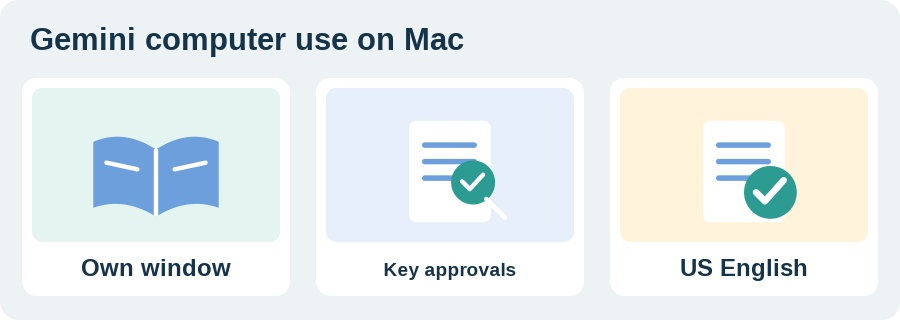
Gemini handles clicks and typing in a separate window
Users describe the task in text, and Gemini handles clicks, typing, menu navigation and form entries. Google cited examples including transferring dimensions and other information from local PDFs into shipping quotes and collecting data from several dashboards to prepare a Google Slides presentation.
Users can monitor and pause the work
Gemini runs in a separate background window and shows a live preview in the chat. Google says users can keep using their main screen and cursor and can choose which apps Gemini can access. They can pause the work in progress or approve key actions before they happen.
Apple silicon and an eligible plan are required
The feature requires a Mac with Apple silicon running macOS Sequoia 15.0 or later. Google says it is available to users aged 18 or older with a personal Google account and a Google AI Plus, Pro or Ultra plan.