Yubico Japan lists two security keys for two-step authentication on phones
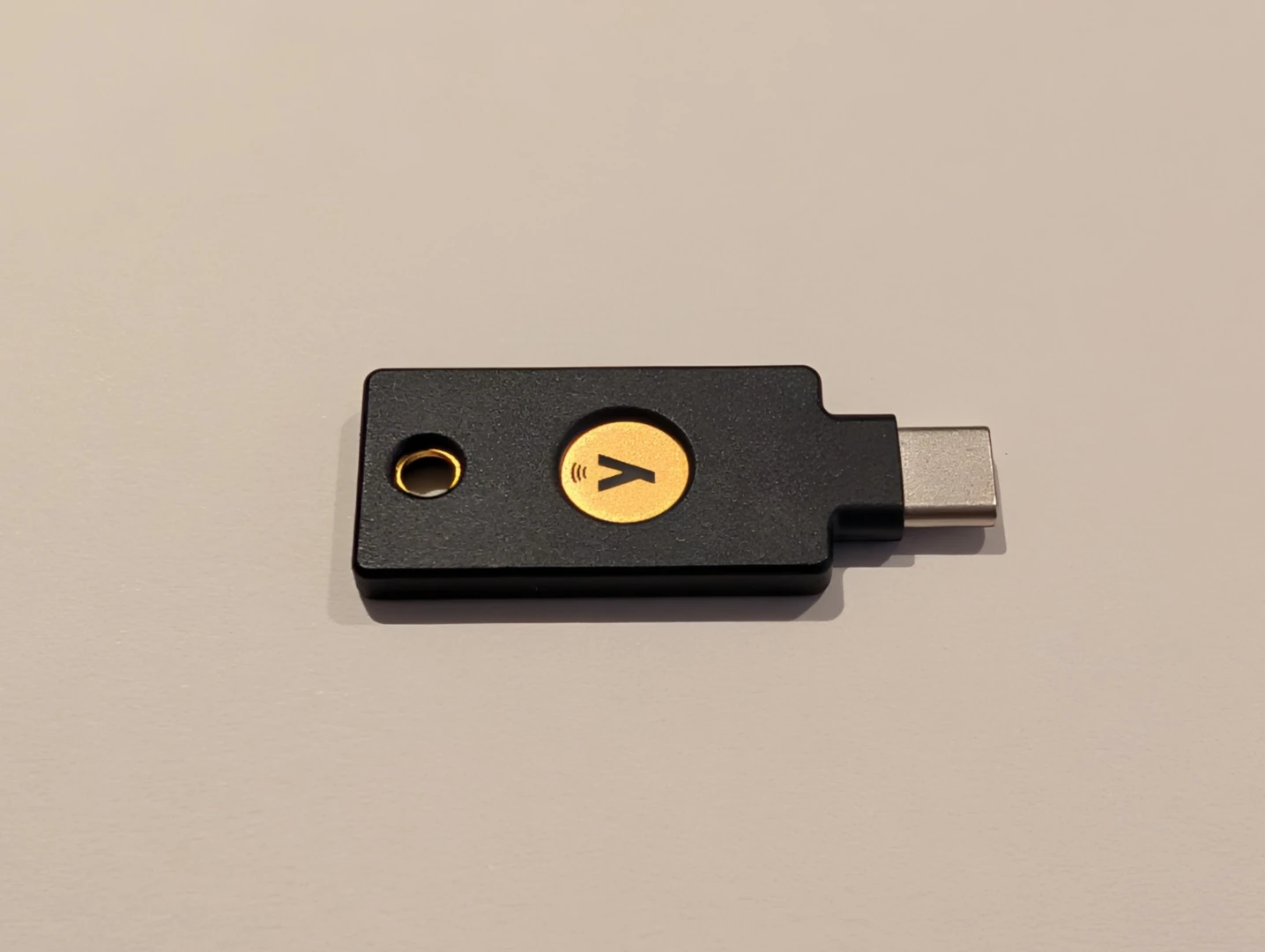
Yubico Japan published a guide on November 20 to using the Yubico Authenticator app and a physical YubiKey for two-step authentication. The guide names the YubiKey 5 NFC and YubiKey 5C NFC as models that let the app display a one-time password when the user taps the key against an iPhone or Android phone. It also explains how to prepare for the loss of a key.
The key stores the information used to generate authentication codes
According to Yubico Japan, the app works with a YubiKey to display one-time passwords for signing in to supported services. The information needed to generate the codes stays on the key, so users can keep using the same key if they switch to another compatible phone. The Security Key and YubiKey Bio series lack the OATH feature that the app uses to display one-time passwords.
Register a spare key from the start in case one is lost
Yubico Japan recommends registering the same account on both keys during initial setup if using a spare, then keeping the keys in separate places. If a service provides recovery codes, store them somewhere safe. For services that support FIDO2 security keys or passkeys, the company recommends prioritizing these more phishing-resistant options.