Qwen Code Desktop v0.28.4 adds Traditional Chinese and updates the touch model picker

The Qwen Code team released Qwen Code Desktop v0.28.4 on November 22 at 8:52 p.m. China Standard Time (12:52 UTC). The Web Shell adds Traditional Chinese as a display language and opens the model picker from the bottom of touchscreens. The sidebar shows background work and goals set for sessions.
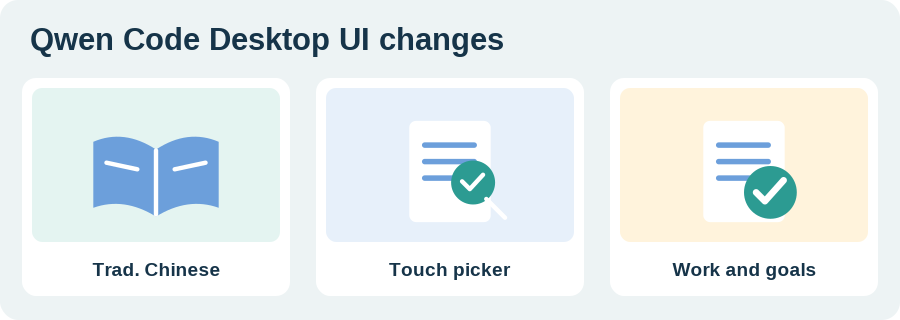
Traditional Chinese in Web Shell and a model picker that opens from the bottom
According to the release notes, Traditional Chinese is now available in the Web Shell user interface. On touchscreens, the model picker opens from the bottom, with option rows and a search field sized for touch. Generated cards can also save their display state.
Background work and goals visible in the sidebar
The sidebar session list shows work running in the background and marks sessions that have a goal. In Web Shell, the session's artifact count appears on click. Users can also open the artifact list in the right-hand panel from the header.