Qwen Code v0.28.4 adds a workspace artifacts page to Web Shell
On November 22, the Qwen Code team released v0.28.4 of its coding assistant. In local daemon mode, Web Shell now has a page that reads workspace artifacts in stages and updates the list as it goes. The release also changes how interrupted chat work is displayed, how local execution state is stored and how user-defined commands are migrated.
The artifacts page updates as items are read
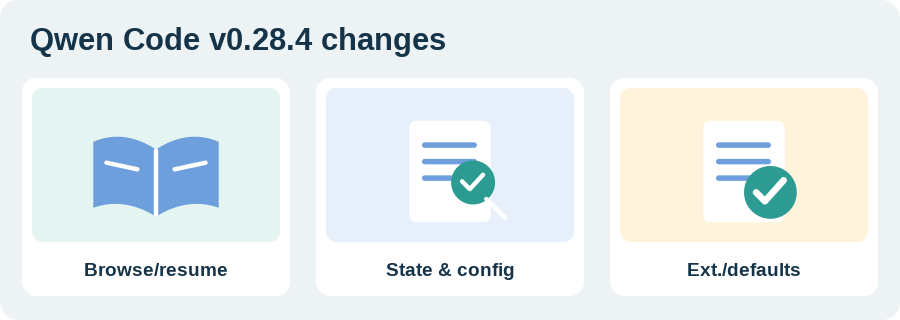
The artifacts page is available in Web Shell with a local daemon running in the background. It scans the workspace in stages and updates the display as results come in. The chat sidebar now shows a “Continue” indicator on sessions where the previous exchange was interrupted and needs to be resumed. On touch devices, users can tap a suggested next input to place it in the text field and edit it before sending.
Changes to state storage and configuration migration
The local runtime creates a directory for storing state when the process starts and restricts access to the owner. When migrating user-defined command settings, it preserves the original TOML file if the destination Markdown file already exists.
Updates to extension loading and model defaults
Extensions can now load UTF-8 manifests that begin with a byte order mark (BOM). The core also adds default reasoning settings for Gemini 4. The development team reports no known breaking changes.