Yubico explains YubiKey FIDO2 PIN management and urges users to check backup sign-in methods before a reset
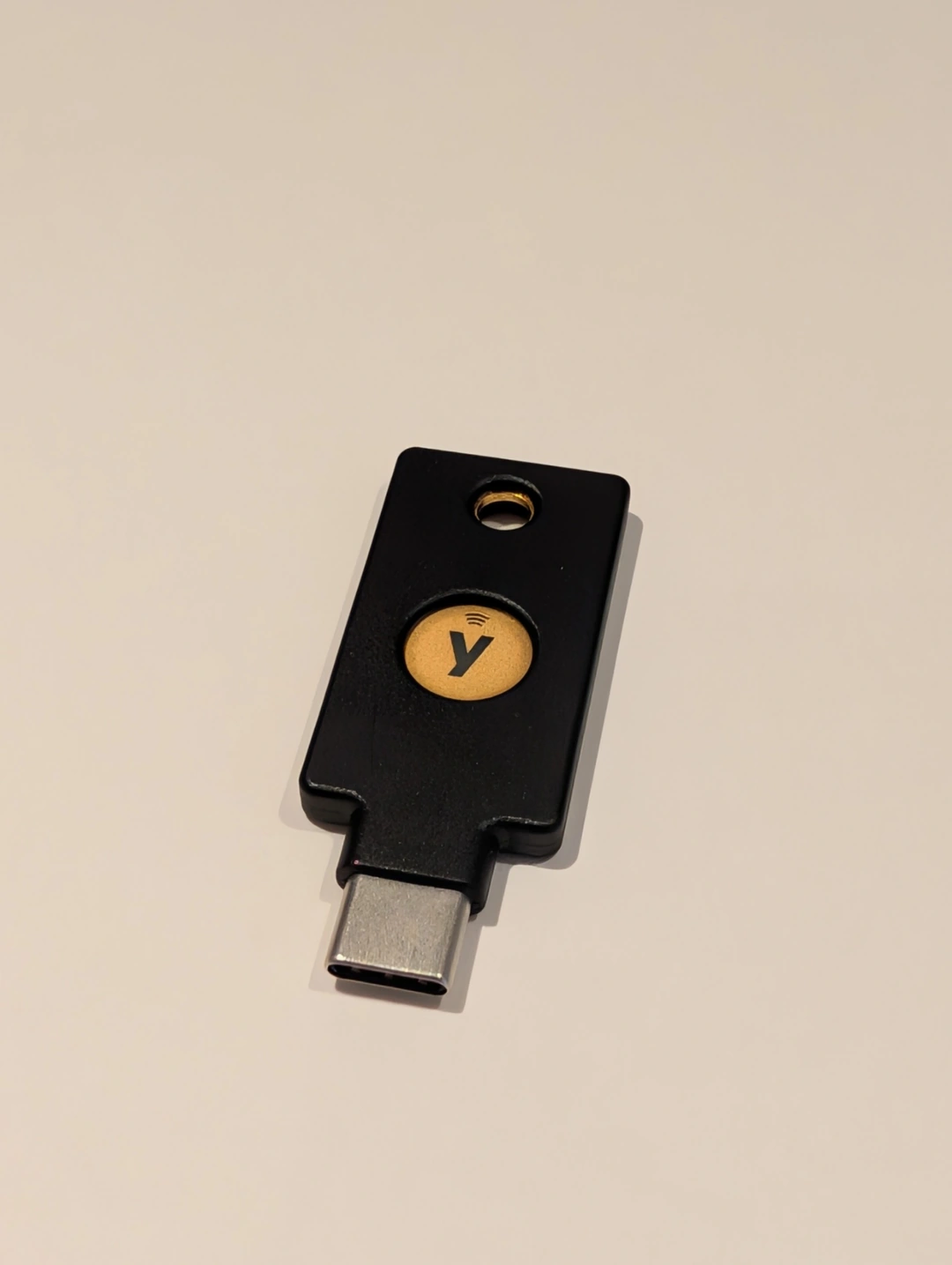
On November 24, Yubico Japan explained how to set or change the FIDO2 PIN on a YubiKey security key and how to reset FIDO2 if the PIN is forgotten. The company said the YubiKey verifies the PIN locally and never sends it to websites or services.
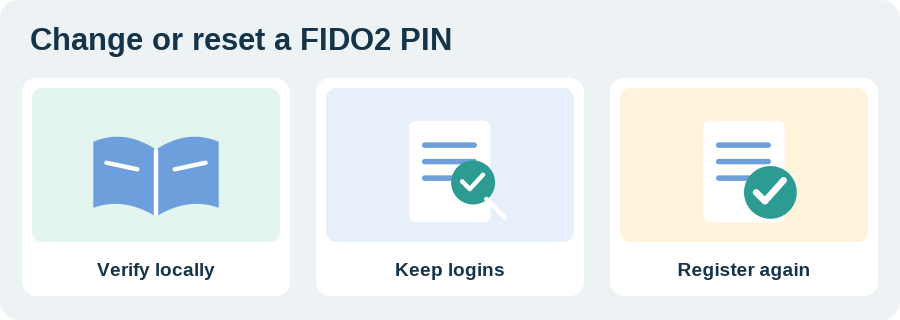
The tools for setting or changing a PIN vary by operating system
According to Yubico, users can set or change the PIN in the built-in Settings app on Windows 10 and 11, or in Google Chrome on macOS and Linux. The official Yubico Authenticator desktop app also supports these tasks. Managing FIDO2 with the app on Windows requires administrator privileges. Changing the PIN preserves existing credentials.
A forgotten PIN calls for a reset and re-registration
If users cannot remember the PIN and reset FIDO2, the reset deletes credentials stored on the key, including passkeys, along with the PIN and any enrolled fingerprints. Yubico Japan advised checking before a reset that users can sign in to each service another way, such as with a password or spare key. After a reset, users set a new PIN and register the key again with each service.