AndroScreen arrives on deepin, turning Android devices into extended displays over USB
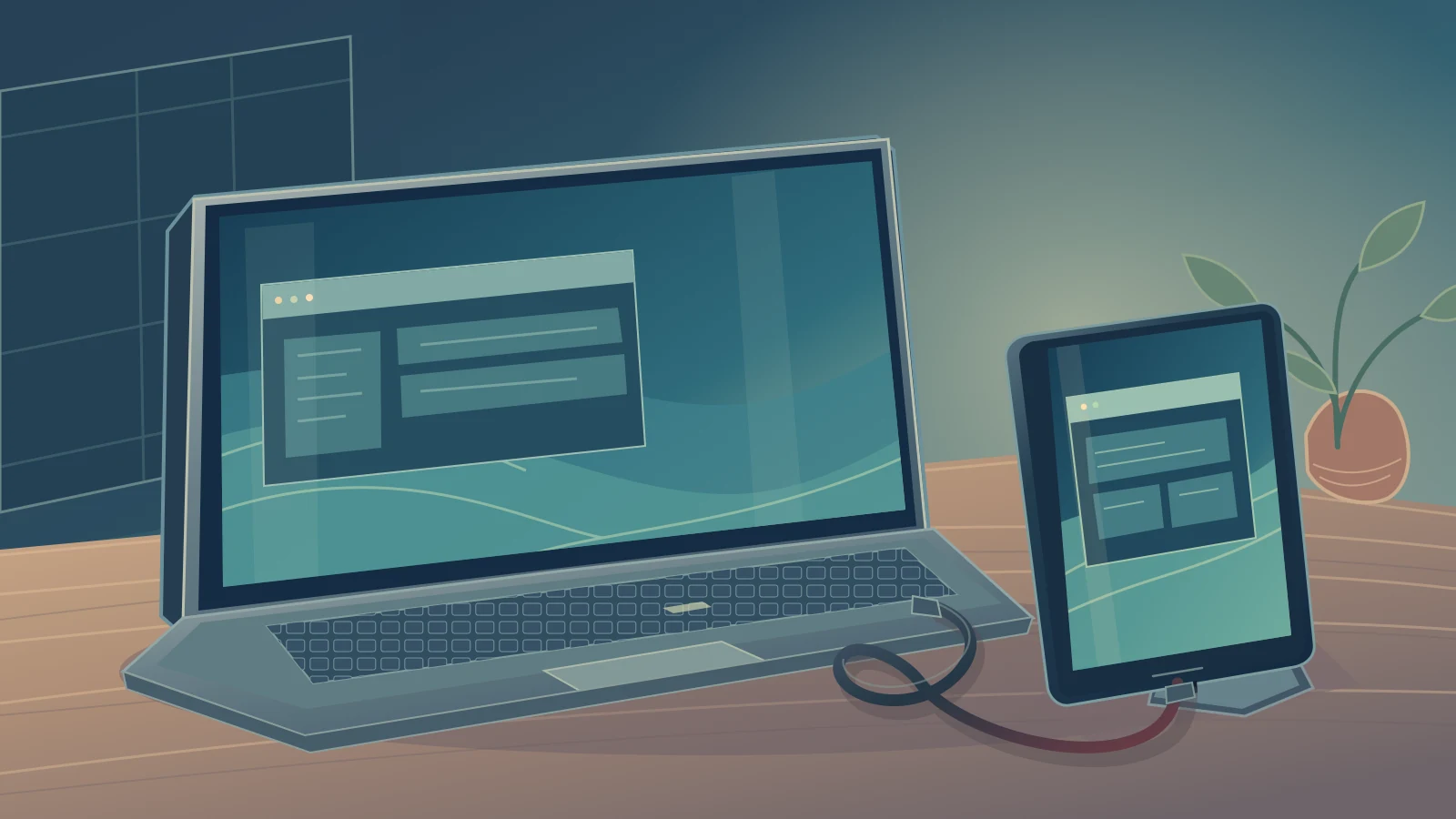
On November 25, deepin announced that AndroScreen, an app by independent developer Feelup, was available in its app store. The app lets an Android phone or tablet connected over USB serve as an extension of the computer’s display. It also supports touch input from the device and playback of the computer’s audio on it.
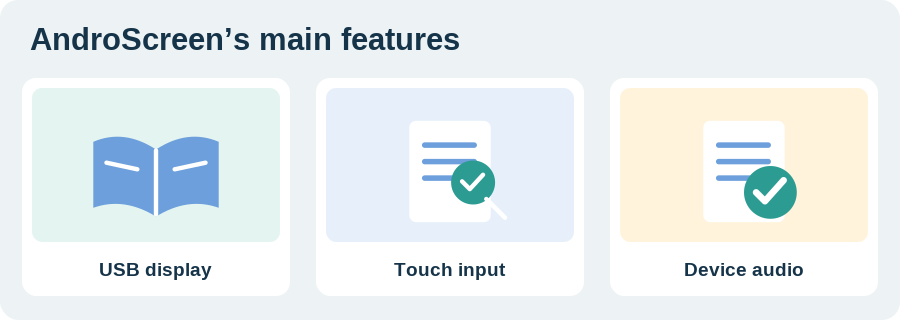
An extended display that can hold separate windows
AndroScreen uses evdi, a virtual display driver, to extend the computer’s workspace onto the Android screen. Users can move windows onto the device, and the app automatically adjusts the resolution to match the device’s orientation. Taps, swipes and multi-finger gestures register on the computer. Users can also set the device to play audio from the computer.
Supported computers and Android devices
On the computer, the app supports deepin or UOS desktop environments and works with X11 and Treeland. The evdi kernel module built during installation is unsigned and does not work in environments where Secure Boot is enabled. The device needs Android 8.0 or later and support for USB accessory mode (AOA). Android 14 or later is recommended. On the first connection, the user has to allow access to the USB accessory on the Android device.
Data moves over USB and the source code is MIT-licensed
The project is available under the MIT License. According to deepin, data transfers between the computer and the device over USB. AndroScreen does not connect to a network or collect information.