GamesRadar+ explains GTA 6’s NOS boost controls and gauge

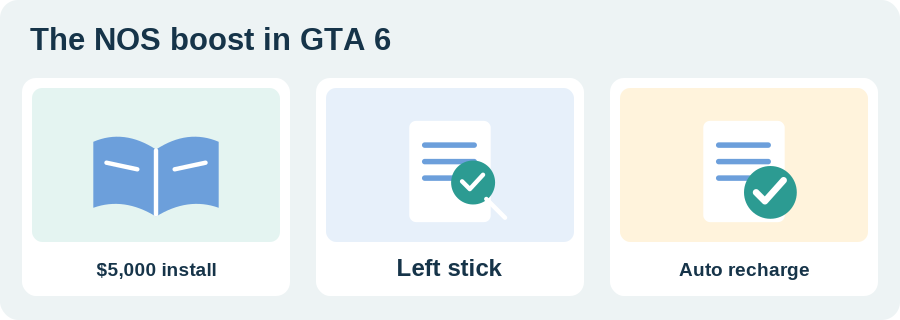
On November 25, British gaming site GamesRadar+ explained how to use NOS, a temporary vehicle boost in Grand Theft Auto VI. It can be installed at in-game mod shops, and the gauge refills automatically after use.
Hold the accelerator all the way down and press the left stick
According to GamesRadar+, when driving a car equipped with NOS, hold R2 or RT all the way down and keep the left stick clicked in (L3 or LS) to activate the boost. Pressing the left stick without holding the accelerator all the way down sounds the horn.
Installation costs $5,000 in the game and adds a blue gauge
An in-game mod shop can install NOS for $5,000. Once installed, a blue ring appears next to the gauge that shows engine condition and fuel. The site says the boost drains the ring quickly and lasts only a short time. The spent charge refills automatically.
The camera makes the boost feel stronger, the writer says
Writer Will Sawyer said the boost added only a modest amount of speed during his playthrough. The shift in field of view and the camera pulling back made it feel faster than it was. He also suggested that it can be useful in some in-game races.