Qwen Code v0.28.7 brings its CLI to Harness with usage statistics off by default
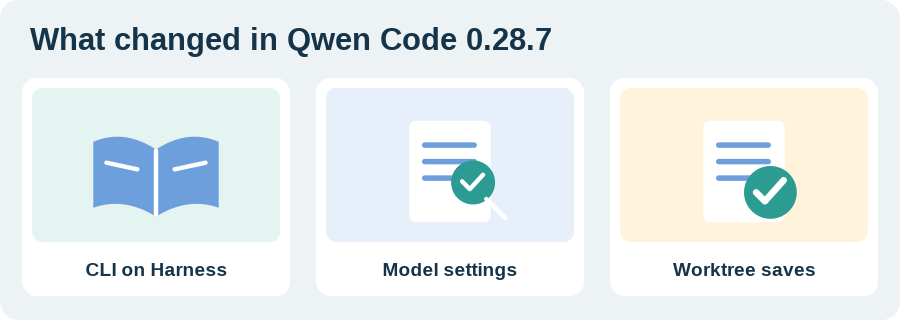
The Qwen Code team released v0.28.7 of its command-line development assistant on November 27 China time. Qwen Code CLI is now available on the Harness runtime, with usage statistics disabled by default. The interactive CLI saves reasoning effort and context window settings for each model.
Per-model settings return on model switch or restart
The interactive CLI remembers the reasoning effort and the size of the context window that holds input and conversation history for each model. It restores those settings when the user switches models or restarts the CLI. On hosts that support startup configuration, Web Shell also applies the selected reasoning level at the start of the session.
Worktree snapshots are saved per workspace
The release keeps a configurable number of worktree snapshots for each workspace. Users can restore them when reopening the workspace. There is also a setting to turn off automatic cleanup of saved snapshots.
A change to limits on tool calls
The team described a breaking change that removes Qwen Code’s own model loop detection and cap on the number of tool calls. Tool results and errors pass through to the model unchanged across interfaces. If a repeated call is rejected, the interface explains the reason and how to recover.