Mole V1.47.0 for Windows leaves Steam game removal to the Steam client

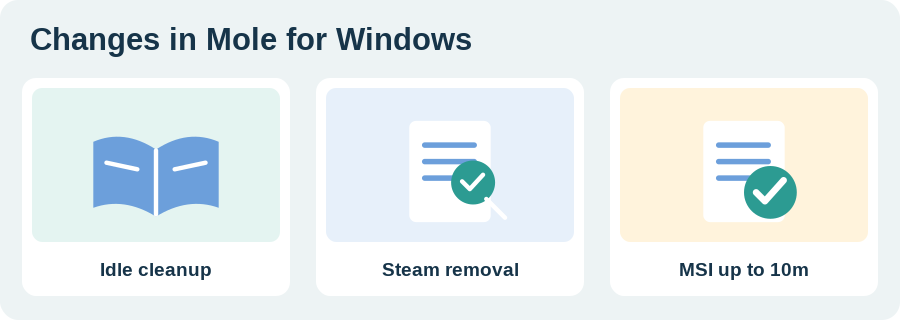
Mole V1.47.0-windows, named “Sturdy,” was released on GitHub on November 27. The Windows cleanup tool now clears some caches when Rust tools and development environments are closed, and delegates Steam game removal to the Steam client. During an MSI uninstall, it waits up to 10 minutes if another installation is in progress.
Mole clears Rust and JetBrains caches while keeping source files and history
When no Rust tool or integrated development environment (IDE) is running, Mole clears the Cargo registry download cache, rustup downloads and JetBrains IDE caches and indexes. It preserves Cargo sources, Git checkouts, toolchains and JetBrains Local History.
Steam handles games and mods, while MSI uninstalls can wait up to 10 minutes
Mole hands Steam game uninstalls to the Steam client and waits for them to finish. In both the preview and the actual uninstall, it leaves the game’s library folder and mods to Steam. If another installation is in progress during an MSI uninstall, Mole now waits up to 10 minutes for Windows Installer. Previously, it failed immediately.
Recent crash dumps are retained and Chocolatey keeps control of its files
System cleanup keeps crash dumps less than seven days old and excludes browser extension data. Mole clears some developer-tool caches after the corresponding tools close and keeps Office and Google Drive temporary files while those apps are running. When an installation of Mole managed by Chocolatey is updated or removed, Mole directs the user to Chocolatey and leaves package-managed files untouched.